SolidJS Dialog Workflows: State, Async Actions, and Cleanup
A practical guide to designing SolidJS dialogs with clear state ownership, safe async submission, predictable cleanup, and reusable workflows.
All examples belong to a fictional
Nebula Notesdemo. They do not describe or depend on any real project, API, or business domain.
A SolidJS dialog can start with one signal: createSignal(false). That works until the dialog needs create, edit, validation, asynchronous submission, destructive confirmation, loading states, and cleanup after closing.
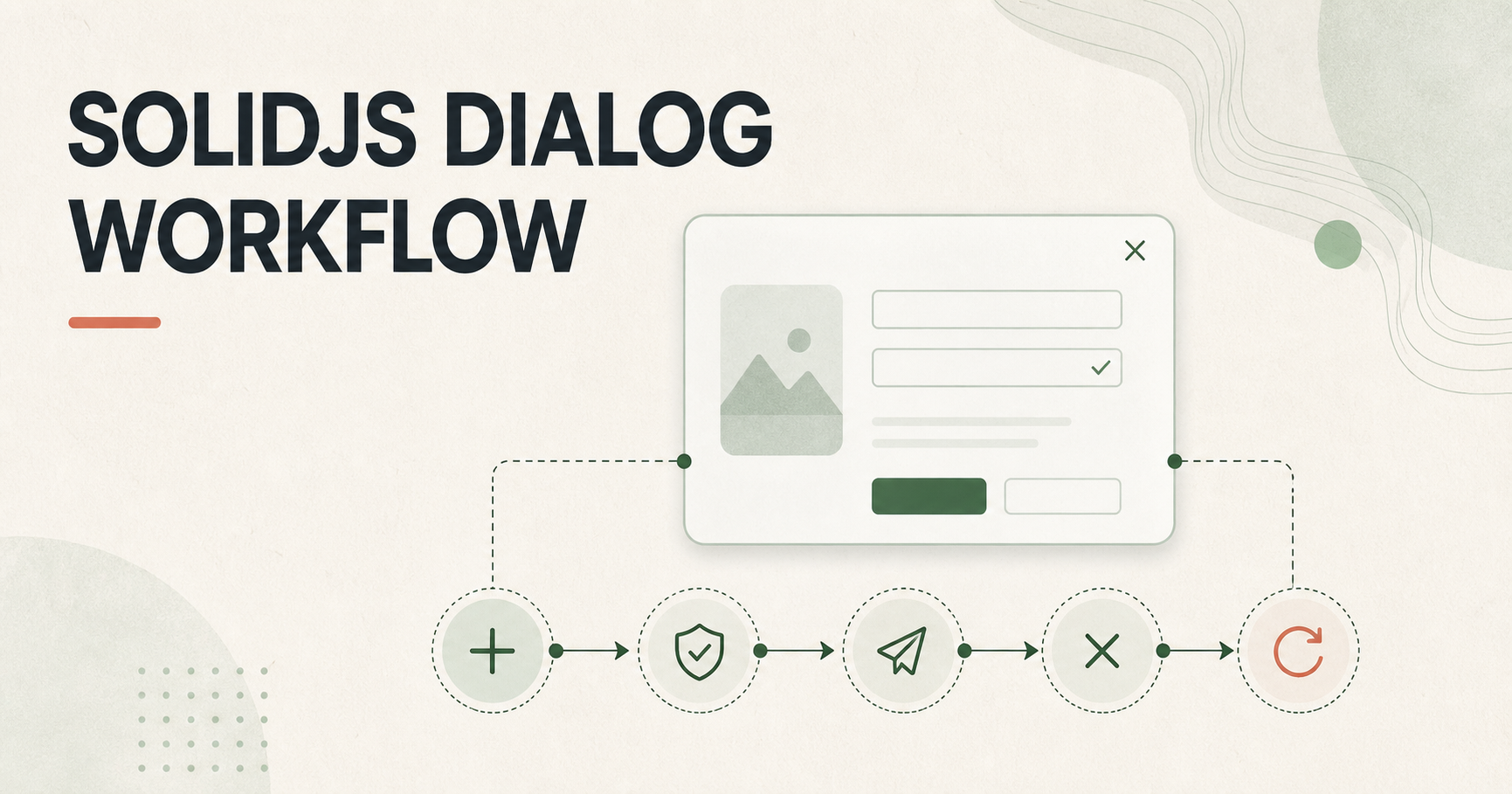
The reusable idea is not a particular dialog component. It is a workflow: who owns state, who submits data, when closing is allowed, who refreshes the parent view, and how the dialog returns to a clean state.
Classify the dialog first
| Type | Typical use case | Recommended organization |
|---|---|---|
| Form dialog | Create, edit, configure | Factory function + Dialog component |
| Command confirmation | Delete, revoke, publish, archive | confirm(options) |
| Information dialog | Details, help, preview | Controlled Dialog or a dedicated Drawer |
A form dialog owns long-lived state and a lifecycle. A confirmation dialog usually executes one command and disposes itself. If both are implemented as page-level signals, old values, premature closing, failed-operation ambiguity, and contradictory open/loading/editingId states appear quickly.
A good workflow keeps each piece of state inside the boundary where it belongs.
Form dialogs: let a factory own the lifecycle
A form dialog is a good candidate for createXxxForm(). The factory should own visibility, create/edit mode, the current id, form values, validation and submission loading, initialization on open, and cleanup after close.
The page should need only open(), edit(record), and <form.Dialog />.
A fake form factory
The following createNotebookForm edits a fictional “notebook”. saveNotebook is a fake API:
import { createMemo, createSignal } from "solid-js";
import { Dialog } from "@demo/ui/dialog";
import { Input, Textarea } from "@demo/ui/form";

type Notebook = {
  id: string;
  title: string;
  summary: string;
};

type NotebookInput = Omit<Notebook, "id">;

const emptyNotebook: NotebookInput = { title: "", summary: "" };

// Fake demo API; replace it with your request layer in a real application.
async function saveNotebook(id: string | undefined, input: NotebookInput) {
  await new Promise((resolve) => setTimeout(resolve, 500));
  console.log(id ? "update" : "create", input);
}

function createNotebookForm() {
  const [open, setOpen] = createSignal(false);
  const [editingId, setEditingId] = createSignal<string>();
  const [values, setValues] = createSignal<NotebookInput>({
    ...emptyNotebook,
  });
  const [submitting, setSubmitting] = createSignal(false);

  const isCreate = createMemo(() => !editingId());

  function reset() {
    setEditingId(undefined);
    setValues({ ...emptyNotebook });
    setSubmitting(false);
  }

  function openForCreate() {
    reset();
    setOpen(true);
  }

  function openForEdit(notebook: Notebook) {
    setEditingId(notebook.id);
    setValues({
      title: notebook.title,
      summary: notebook.summary,
    });
    setOpen(true);
  }

  async function submit() {
    const current = values();
    if (!current.title.trim()) return false;

    setSubmitting(true);
    try {
      await saveNotebook(editingId(), current);
      setOpen(false);
      return true;
    } finally {
      setSubmitting(false);
    }
  }

  function handleClose() {
    // Clear after the close transition so content does not jump.
    reset();
  }

  return {
    open: openForCreate,
    edit: openForEdit,
    Dialog(props: { onSuccess?: () => void }) {
      return (
        <Dialog
          title={isCreate() ? "Create notebook" : "Edit notebook"}
          open={open()}
          confirmLoading={submitting()}
          onCancel={() => setOpen(false)}
          onConfirm={async () => {
            if (await submit()) props.onSuccess?.();
          }}
          onClose={handleClose}
        >
          <Input
            label="Title"
            value={values().title}
            onValueChange={(title) =>
              setValues((previous) => ({ ...previous, title }))
            }
          />
          <Textarea
            label="Summary"
            value={values().summary}
            onValueChange={(summary) =>
              setValues((previous) => ({ ...previous, summary }))
            }
          />
        </Dialog>
      );
    },
  };
}
Here @demo/ui/* is a fictional UI package. The important part is the state boundary and lifecycle, not a particular component library.
Four important decisions
- Create the factory once. Use
const notebookForm = createNotebookForm(); do not create it inside a click handler. - Keep the Dialog mounted. Render
<notebookForm.Dialog onSuccess={refreshList} />and letopen()change state. This avoids stale references and interrupted transitions. - Derive mode from one source of truth.
editingId()is the fact andisCreate()is acreateMemovalue. Avoid independentisEditandisCreatebooleans. - Populate on open, clean up after close. Copy edit data in
openForEdit; letonCloseclear the id, values, and request state.
Do not mutate an object passed by the caller:
// Avoid: this changes an object owned by the caller.
notebook.title = "changed";

// Prefer: create a separate form-value object.
setValues({ title: notebook.title, summary: notebook.summary });
Page usage
function NotebookPage() {
  const notebookForm = createNotebookForm();

  const refreshList = () => console.log("refresh fake notebook list");

  return (
    <>
      <button onClick={() => notebookForm.open()}>New notebook</button>
      <button
        onClick={() =>
          notebookForm.edit({
            id: "demo-42",
            title: "A fake notebook",
            summary: "A fake summary",
          })
        }
      >
        Edit demo-42
      </button>
      <notebookForm.Dialog onSuccess={refreshList} />
    </>
  );
}
The factory submits and closes; the page decides how to refresh. An onSuccess callback is easier to reuse and test than letting the form reach into page-specific data fetching.
Confirmation dialogs: model a one-off operation as a command
Delete, publish, revoke, and archive operations do not need long-lived form state. They fit a command-style helper:
import { confirm } from "@demo/ui/alert-dialog";

async function archiveCard(cardId: string) {
  await new Promise((resolve) => setTimeout(resolve, 400));
  console.log("archive fake card", cardId);
}

function confirmArchive(
  cardId: string,
  cardTitle: string,
  refresh: () => void,
) {
  confirm({
    title: "Archive this card?",
    description: `The fake card “${cardTitle}” will no longer appear in the active board.`,
    media: "archive-icon",
    destructive: true,
    async onBeforeOk(done) {
      try {
        await archiveCard(cardId);
        refresh();
        done(true);
      } catch {
        // Keep the dialog open so the user can retry or cancel.
        done(false);
      }
    },
  });
}
onBeforeOk means “before closing, determine whether the command has completed.” A useful contract is:
- return
trueto allow closing; - return
falseto keep the dialog open; - return a Promise to enable confirmation loading and close after success;
- use
done(true | false)when explicit callback-style control is useful.
Keeping the dialog open on failure preserves context, enables retry, and avoids presenting “the request failed” as “the user cancelled.” Destructive operations should also explain their consequence in the title and description.
Make the event order explicit
User clicks confirm
    ↓
onBeforeOk, if present
    ↓
Async operation / form submission
    ↓
Success: allow close; failure: stay open
    ↓
onConfirm, if confirmation was allowed
    ↓
open = false
    ↓
Close transition completes
    ↓
onClose: reset internal state
Do not put every responsibility into onConfirm. If the component supports onBeforeOk, let it own the “may this close?” decision. Otherwise set open(false) only after submission succeeds.
Common mistakes
Treating loading as visibility
open and loading are different dimensions. Disable confirmation while a request runs; do not infer that the dialog should close.
Mutating business state during rendering
Populate forms, reset state, and send requests from event handlers or lifecycle callbacks, not from JSX rendering expressions.
Hiding without resetting
Old values, ids, and validation errors can return on the next open. Centralize cleanup in onClose.
Hard-coding list refresh inside the dialog
A dialog should not know how its parent fetches data. Notify the parent with onSuccess and keep the data flow one-way.
Building a full component for a one-off confirmation
When a dialog only has a title, description, and async command, confirm(options) keeps the business intent visible.
Using generic copy for irreversible actions
“Confirm” lacks context. “Archive card” or “Delete permanently” tells the user what the button will do.
A portable review checklist
- Is a form dialog managed by one factory?
- Is the factory created exactly once and the Dialog mounted unconditionally?
- Is create/edit mode derived from one id or mode value?
- Is edit data copied instead of mutated in place?
- Is there a visible loading state during async submission?
- Does the dialog close only after success?
- Can the user see an error and retry after failure?
- Does
onCloseclear form values, ids, and request state? - Does the parent decide how to refresh after success?
- Do high-risk operations use explicit destructive confirmation?
Conclusion
An elegant SolidJS dialog is not about writing the shortest JSX. It is about making the lifecycle predictable: prepare data when opening, protect the async boundary before closing, notify the parent after success, and restore clean state after the close transition.
Use a factory for stateful form dialogs, confirm(options) for one-off commands, and a consistent contract for onBeforeOk, onConfirm, onCancel, and onClose. The result is a dialog that behaves like a small, reusable workflow instead of a special case hidden inside a page.